 BankGPT
Running locally
Install, configure, and run the whole BankGPT automation demo with one command.
Requirements: Node 22+ and pnpm 10 (packageManager is pinned in
the root package.json).
Install
Run everything from the repo root — this is a pnpm workspace, never install inside an app:
pnpm install                                          # from the repo root
pnpm --filter engine exec playwright install chromium # one-time browser download
Environment
OPENROUTER_API_KEY— the one external-service key. Needed for discovery (the engine's model calls) and for the/chatcaller simulation. Put it inapps/engine/.env.local(copyapps/engine/.env.example) and/orapps/frontend/.env.local(copyapps/frontend/.env.example). Replay never needs it.BETTER_AUTH_SECRET— required by the frontend for auth (apps/frontend/.env.local); generate locally withopenssl rand -base64 32.
Optional variables all have working defaults: ENGINE_PORT (4011),
ENGINE_DB_PATH (engine); ENGINE_URL (http://127.0.0.1:4011) and
NEXT_PUBLIC_ENGINE_WS_URL (ws://127.0.0.1:4011/ws) for the frontend →
engine wiring.
Docker
The same stack runs in containers — one image per app
(apps/frontend/Dockerfile, apps/engine/Dockerfile,
apps/mockbank/Dockerfile, apps/docs/Dockerfile) plus the root
docker-compose.yaml:
cp .env.example .env   # set BETTER_AUTH_SECRET + OPENROUTER_API_KEY
docker compose build
docker compose up- Ports: compose publishes no host ports. All services talk on the
internal Docker network; routing is configured externally (Dokploy) by
pointing domains at the internal container ports — frontend
3000, docs3001, engine4011, mockbank4010. The engine's/wslive-session channel must also be publicly reachable (the browser connects to it directly — the Next server cannot proxy WS upgrades), so route a domain to engine port4011and setNEXT_PUBLIC_ENGINE_WS_URLto it, e.g.wss://engine.example.com/ws. The frontend server reads this variable at request time and injects it into the page (D-065), so changing it needs only a container restart, not an image rebuild — although it is aNEXT_PUBLIC_*name, nothing is baked in at build time. - Persistent storage: both SQLite databases live on named volumes —
frontend-data→/data/app.sqlite(auth + chat + app data) andengine-data→/data/engine.sqlite(capabilities, runs, interventions, run evidence). Volumes survivedocker compose down;docker compose down -vwipes them. - better-auth schema: the frontend container seeds a build-time migrated database onto a fresh volume on first boot (copied only when the volume is empty; existing data is never touched).
- Discovery targets: the engine image ships Chromium, but the
Playwright browser runs inside the container network, so a discovery
targetUrlmust use the service name —http://mockbank:4010, nothttp://localhost:4010(inside the engine containerlocalhostis the container itself). The safety policy must also allow that host: the default allowlist only trustslocalhost/127.0.0.1, so compose setsENGINE_ALLOWED_URL_PATTERNS=^https?://mockbank(:\d+)?(/|$)on the engine service. Without it a discovery run fails instantly withpolicy violation (url). The safety policy must also allow that host: the default allowlist only trustslocalhost/127.0.0.1, so compose setsENGINE_ALLOWED_URL_PATTERNS=^https?://mockbank(:\d+)?(/|$)on the engine service. Without it a discovery run fails instantly withpolicy violation (url).
First run only
The frontend's auth schema must exist before sign-in works. If
apps/frontend/data/app.sqlite does not exist yet, create it once:
cd apps/frontend && pnpm dlx @better-auth/cli@latest migrate --config lib/auth.tsRun
One command starts the whole demo in parallel:
pnpm dev # mockbank :4010 + engine :4011 + frontend :3000 + docs :3001Open http://localhost:3000 and register — the first registered user is
the admin.
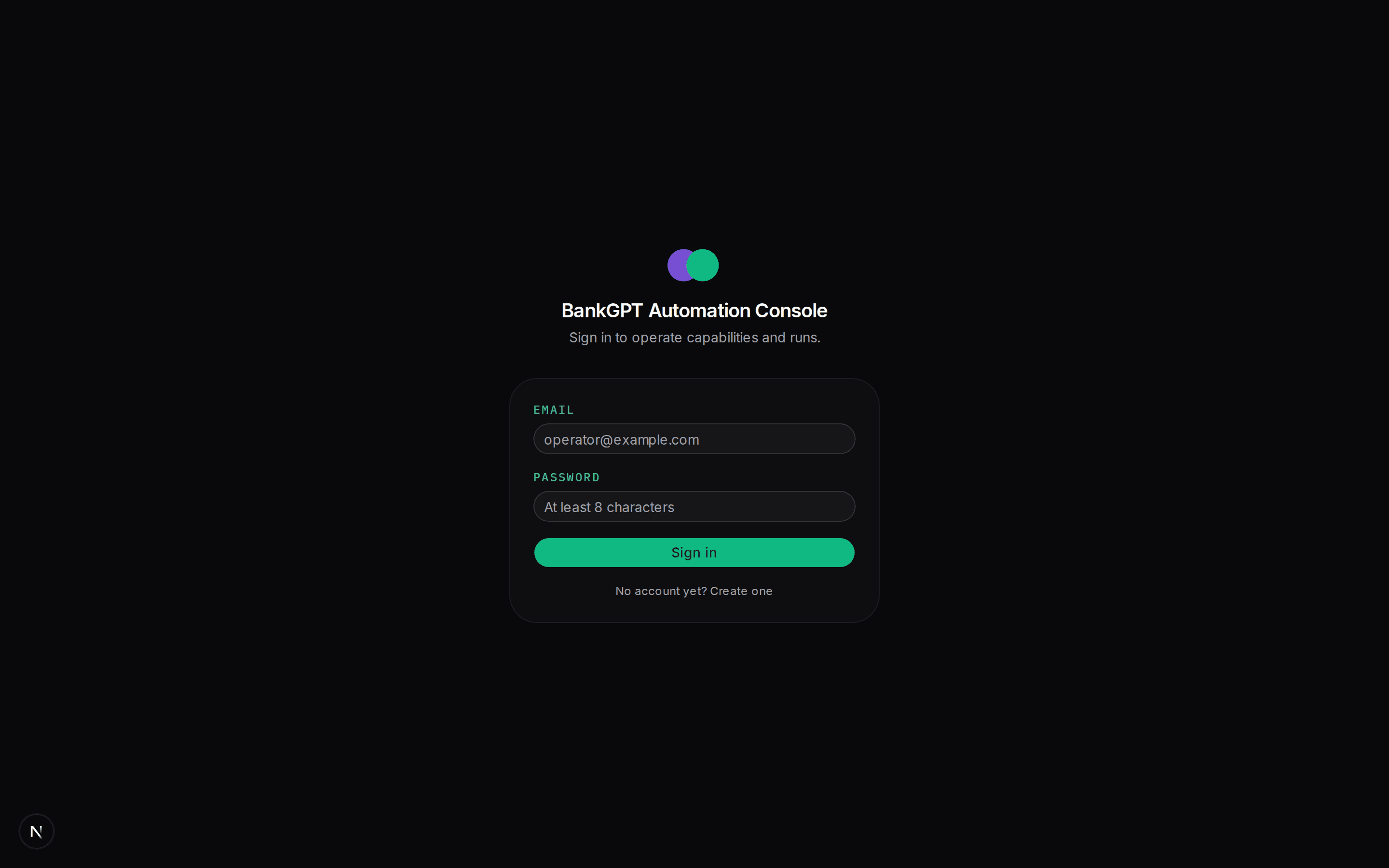
/chat is the caller simulation; /admin holds the capability catalog,
run history, discovery form, and the interventions inbox with the live
take-over panel — see the Operator console tour.
This docs site is at http://localhost:3001.
If you ever need one service on its own, use the per-app scripts
(pnpm --filter engine dev, …) — but then do not also run pnpm dev, or
the ports collide.
The CLI demo path (discover → replay)
The graded demo needs only the mockbank and the engine CLI. Reset the target first so counters and the transient-500 cadence are deterministic:
curl -X POST http://127.0.0.1:4010/__reset__

# 1. Genuine LLM-driven discovery (needs OPENROUTER_API_KEY)
pnpm --filter engine discover \
  --goal "Log in to the teller console and read member 100231's savings and checking balances" \
  --target http://127.0.0.1:4010

# 2. Deterministic replay (ZERO model calls; no API key needed)
pnpm --filter engine replay --capability get_member_balances --input memberId=100231
Each discover prints the returned artifact id (savedArtifactId).
Freshly distilled artifacts are reviewed: false; risky capabilities only
replay after a human review pass marks them reviewed: true (safe
capabilities replay unreviewed). Artifacts and run evidence are stored in
the engine's SQLite DB (apps/engine/data/engine.sqlite) — see
Capabilities and the CLI reference.